
Nagrywanie treningów
Zaktualizowano10 lipca 2026
W aplikacji Aidlab możesz nagrywać różne typy treningów — od biegania, przez siłownię, po spokojniejsze aktywności. Dane z treningów możesz później synchronizować z innymi aplikacjami.
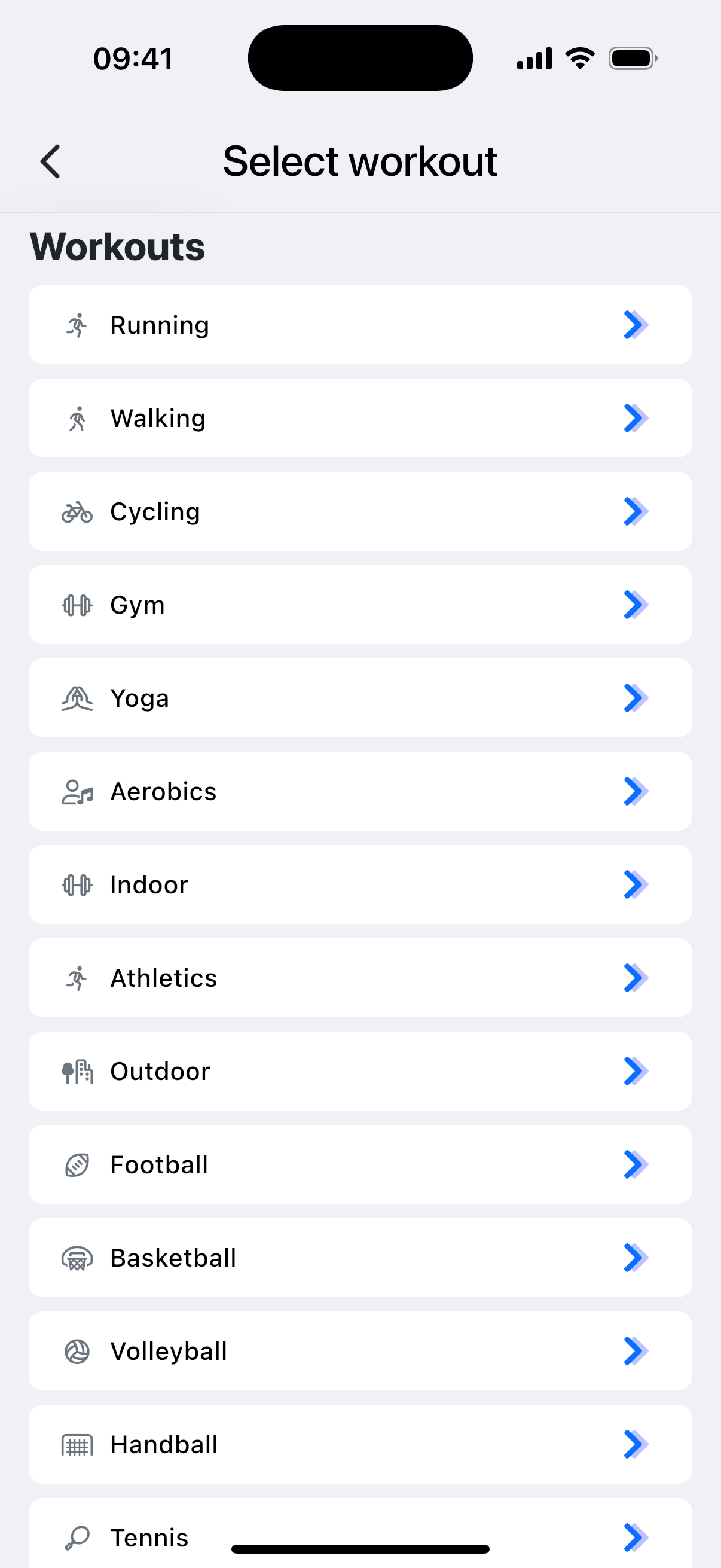
Wybór typu treningu ma znaczenie. Różne aktywności są analizowane w inny sposób — np. spalanie kalorii może być liczone trochę inaczej w zależności od wybranego typu, a tylko niektóre treningi (np. bieganie na zewnątrz) są wykorzystywane do estymacji VO₂ Max.
Rozpocznij trening
- Otwórz aplikację Aidlab, przejdź do zakładki Start i kliknij Treningi
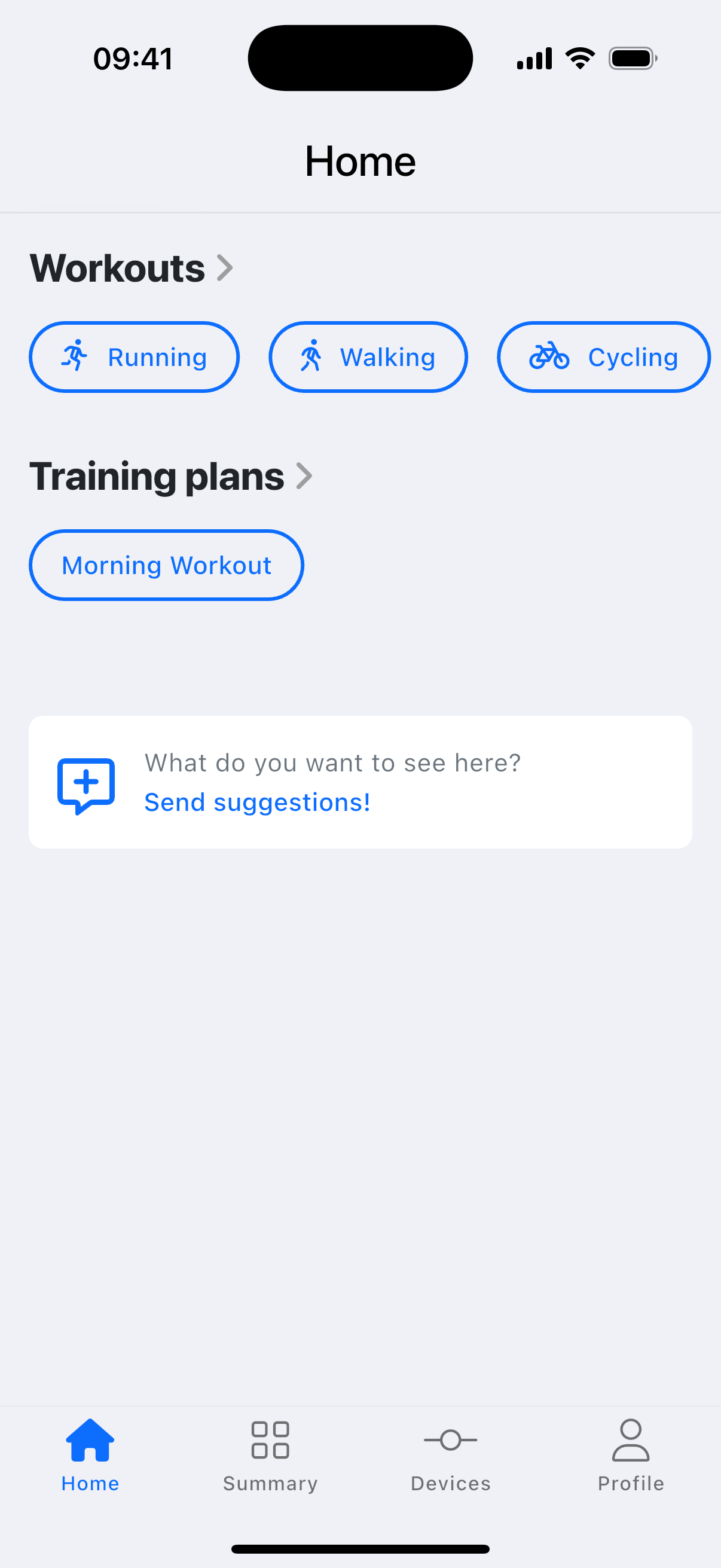
- Wybierz trening, który najlepiej pasuje do tego, co robisz
- Kliknij Start, gdy będziesz gotowy
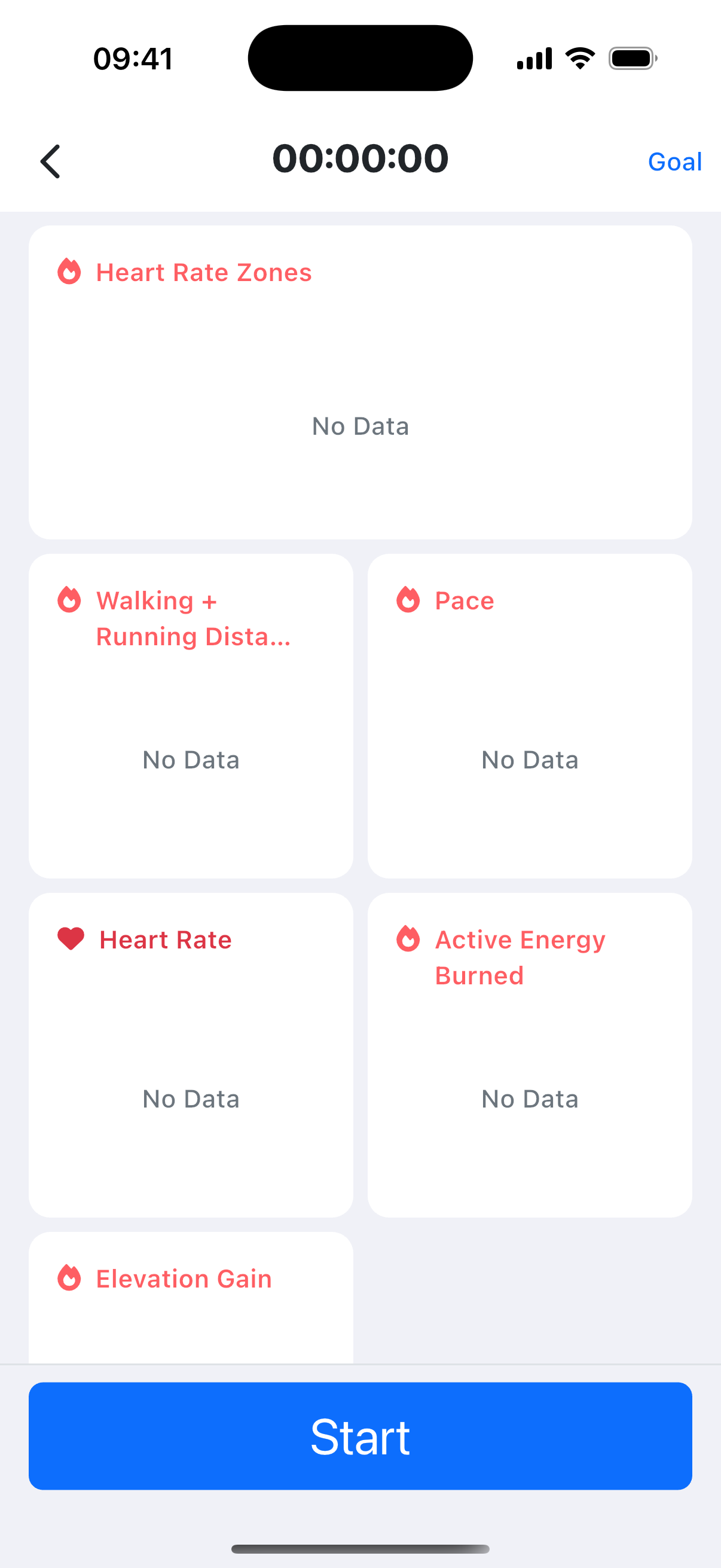
Jeśli chcesz ustawić alerty zależne od celu treningu, kliknij Cel w prawym górnym rogu.
Ręczne dodawanie aktywności
Jeśli zapomniałeś założyć Aidlaba albo chcesz zapisać aktywność, której nie wykryto automatycznie:
- W Podsumowaniu wybierz komponent
Treningi. - Wybierz Dodaj
- Uzupełnij szczegóły i kliknij Dodaj
Zobacz też: Śledzenie kroków, dystansu i pięter.