
Tracking fitness activities
Updated onJuly 10, 2026
In the Aidlab app, you can track different types of workouts — from running and gym sessions to lighter activities. You can also sync your workout data with other apps.
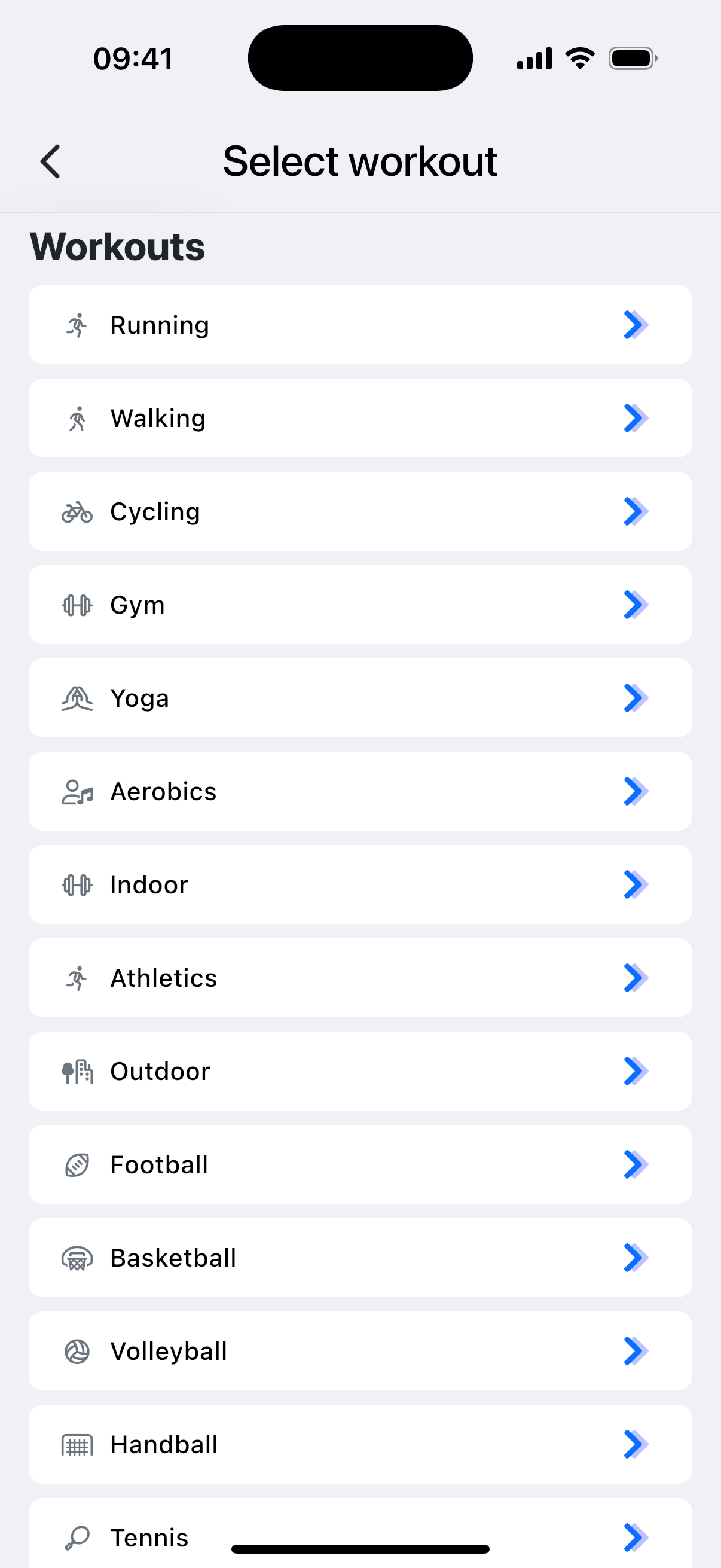
The workout type you choose matters. Different activities are analyzed differently — for example, calorie burn may be calculated slightly differently depending on the selected type, and only certain workouts (such as outdoor running) are used to estimate VO₂ Max.
Start a workout
- Open the Aidlab app, go to the Home tab, and press Workouts.
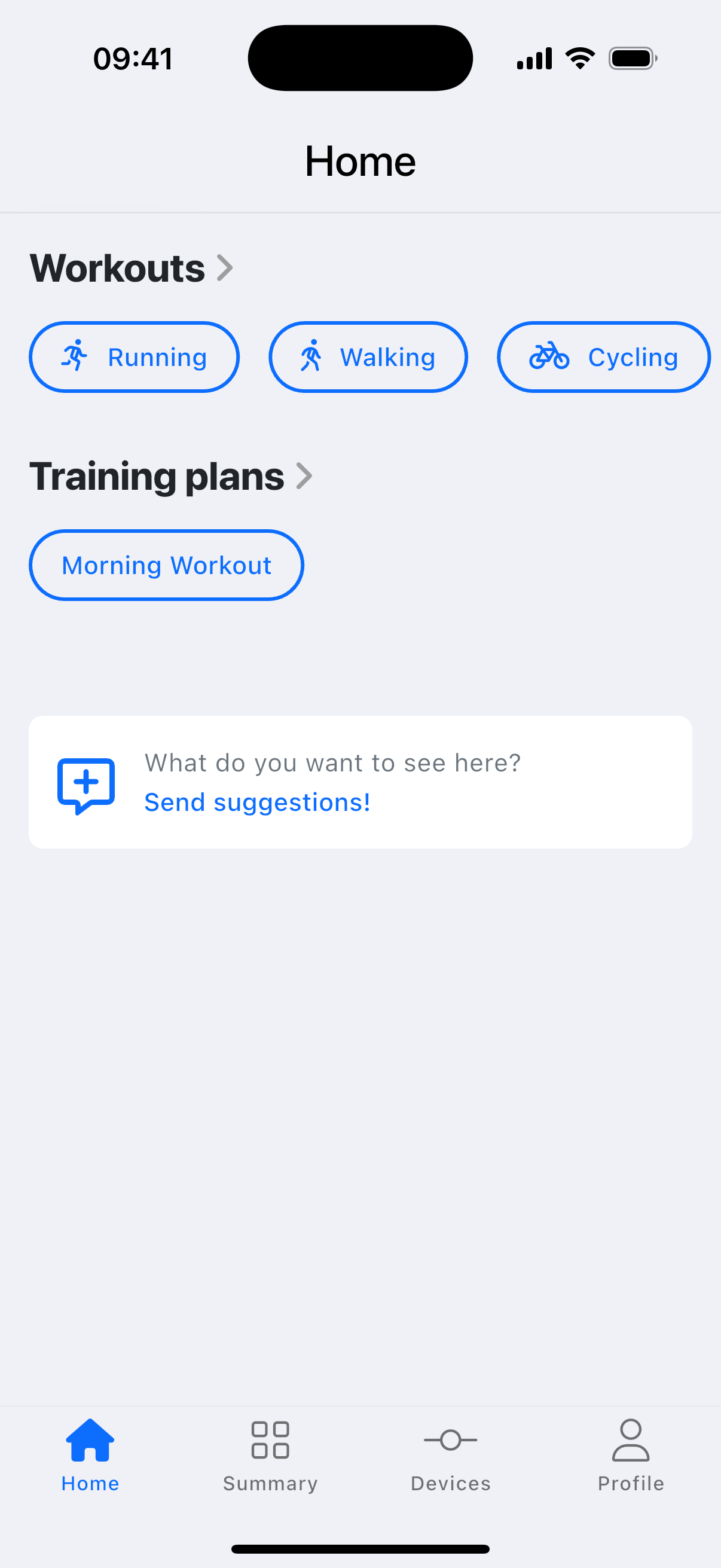
- Find the workout that best matches what you're doing.
- Press Start when you are ready.
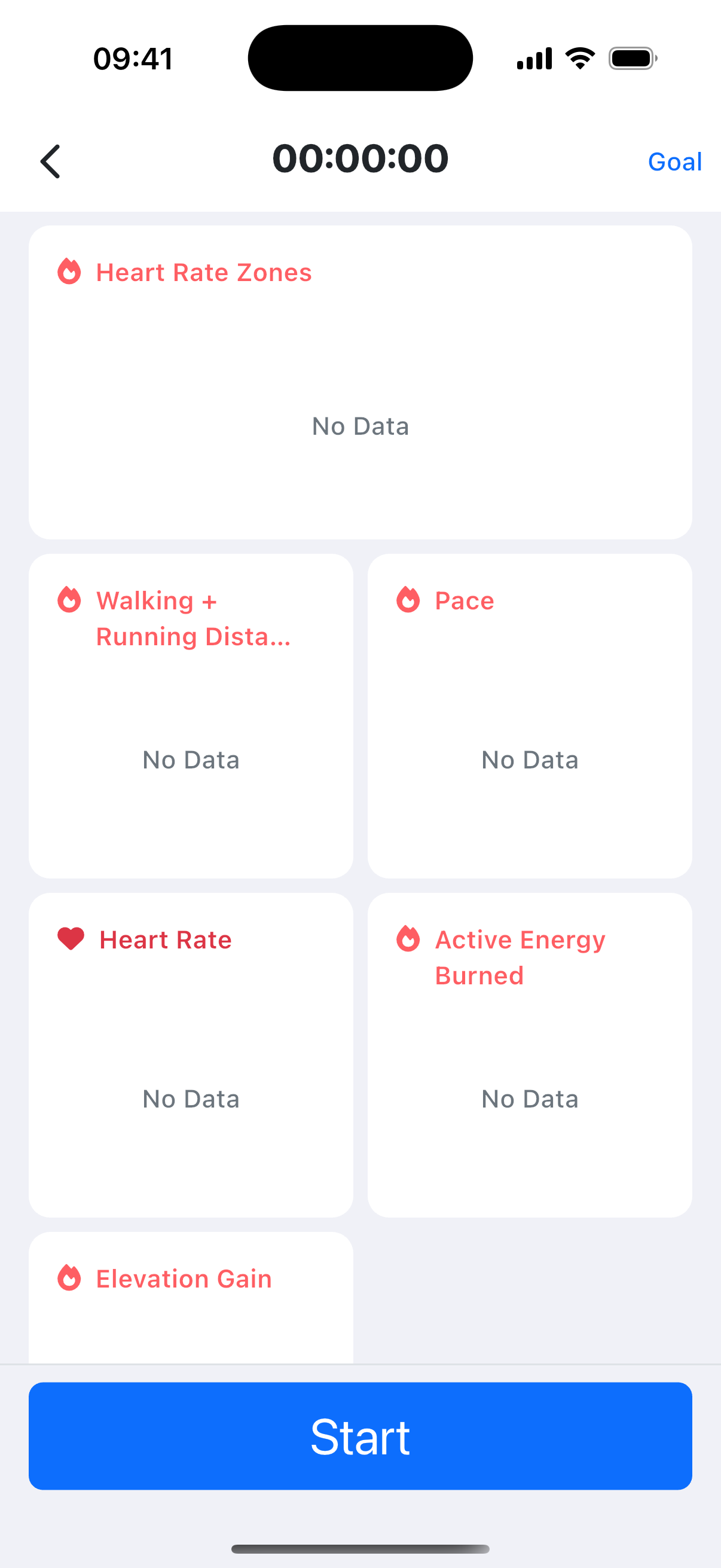
To set alerts for a workout goal, tap Goal in the top-right corner.
Manually log exercises
If you forgot to wear your Aidlab or you want to record an activity that isn't detected automatically, manually log the exercise in the Aidlab app.
- On the Exercise tab, tap the icon.
- Select Add.
- Enter the activity details, and tap Add.
See also: Tracking steps, distance, and floors.