
Measuring
Updated onJuly 10, 2026
Aidlab measures key body metrics, including sleep, ECG, heart rate, respiration, calories, and skin temperature. It is worth wearing Aidlab not only during activities, but throughout the day. This gives you more complete data and makes it easier to notice recurring patterns.
Collecting data
- Install a compatible app.
- Create an account in the app.
- Turn on Aidlab by holding the power button for 1 second. The LED should pulse quickly until Bluetooth connects.
- Pair Aidlab on the Devices screen.
- Put Aidlab on and adjust the strap.
The LED pulses more slowly when Aidlab is connected to your phone. Once Aidlab detects body contact, it starts recording automatically.
The LED color indicates whether Aidlab is collecting data, has low battery, or does not detect body contact. See LED indicator for details.
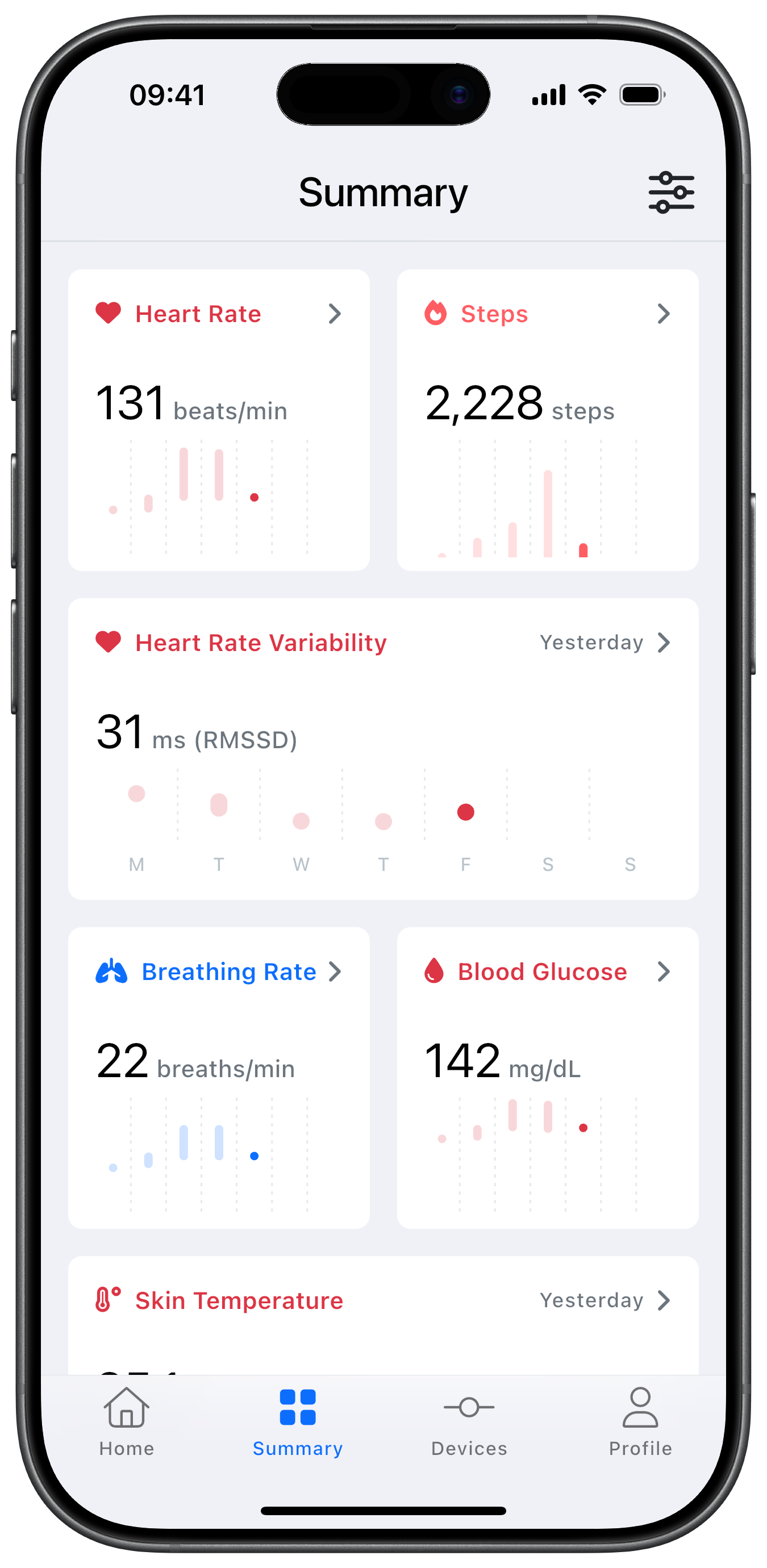
Measurement sessions
A measurement session is a continuous period of data recorded while you are wearing Aidlab.
When Aidlab is worn and recording, measurements are collected automatically. Models with 8 MB or more of internal memory can record without a continuous phone connection and synchronize the stored data later. Models without this storage capability require an active phone connection while recording. If you take the device off or recording stops for a longer break, the current session is closed. A new session starts when Aidlab begins recording again.
You do not need to start or stop sessions manually. They are created in the background to make your historical measurements easier to browse and understand.
How data collection works
Some data is collected automatically all the time, while other data is collected only under specific conditions, for example during sleep or workouts. Some features may also require additional accessories. You can find more details in the Knowledge Base.
If data does not appear or is unstable, check the troubleshooting tips.
Next, see how to turn these measurements into something useful: Making use of your data.