
Turning Aidlab on and off
Updated onJuly 10, 2026
To turn on Aidlab, press and hold the power button for 1 second.
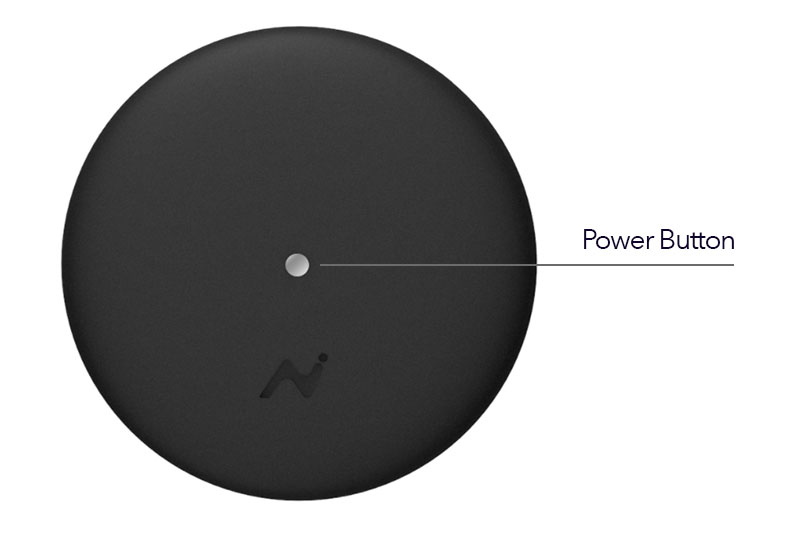
A brief blue light may appear during startup. Once Aidlab is running, quick pulsating means there is no active Bluetooth connection, while slow pulsating means Bluetooth is connected. The LED color shows whether Aidlab is collecting data, does not detect body contact, or has low battery. See LED indicator for details.
To turn off Aidlab, press and hold the power button for 1 second.
To conserve battery life, Aidlab automatically powers off after 60 seconds when it is not connected and does not detect body contact.