
Łączenie z aplikacją Strava
Zaktualizowano25 czerwca 2026
Aplikacja mobilna Strava w wersji 169 lub nowszej obsługuje monitory tętna Bluetooth Low Energy (BLE), w tym Aidlab Chest Strap.
Jak sparować Stravę z pasem Aidlaba
Zanim zaczniesz, upewnij się, że Bluetooth jest włączony w Twoim urządzeniu mobilnym. Następnie wykonaj te kroki:
- Otwórz aplikację Strava.
- W dolnym pasku nawigacji wybierz Record.
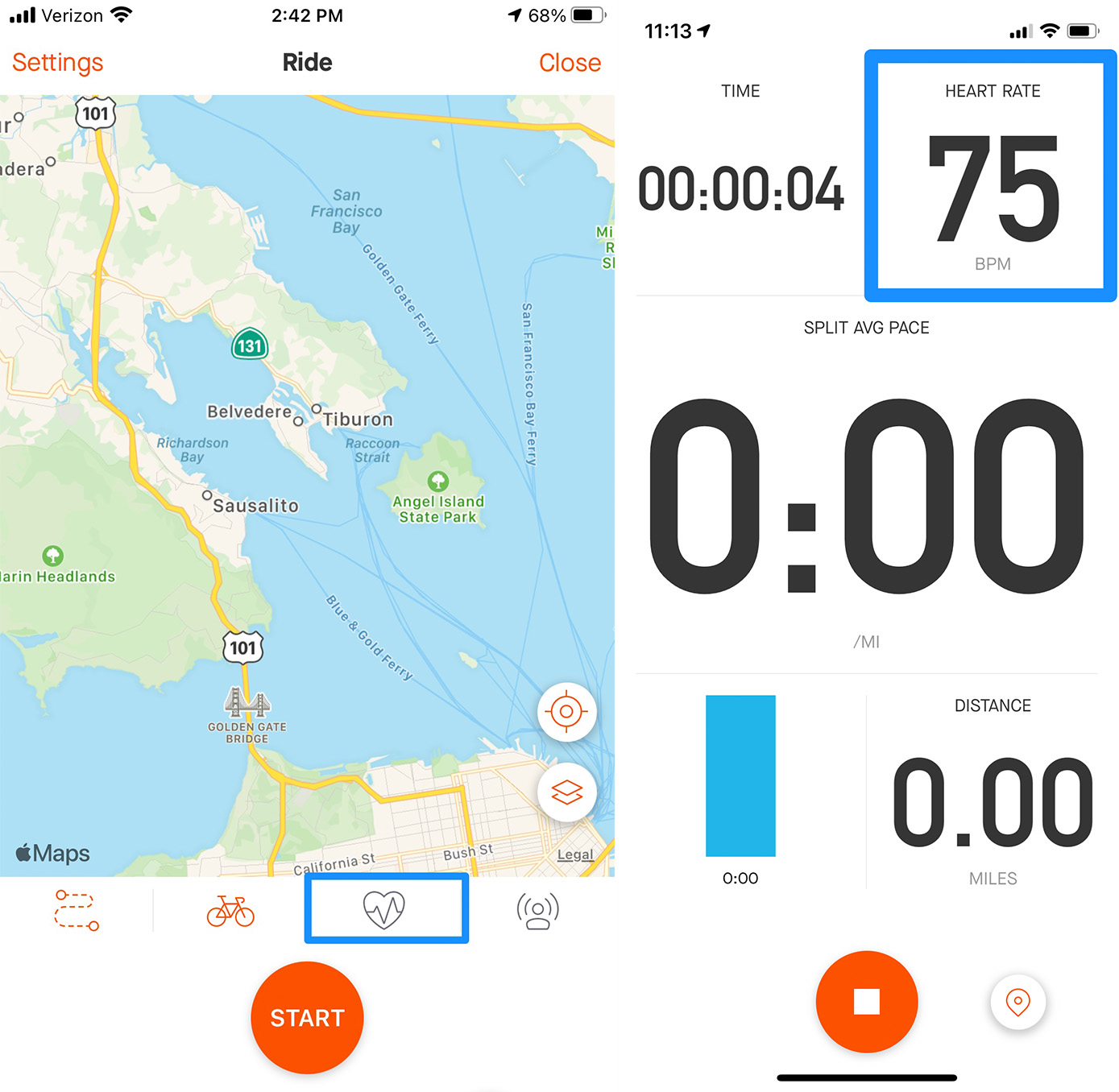
- Stuknij ikonę tętna zaznaczoną poniżej albo przejdź do Settings > Heart Rate Sensor. Aplikacja automatycznie zacznie wyszukiwać pas Aidlaba.
- Wybudź Aidlaba, aby mógł pojawić się na liście urządzeń do nagrywania.
- Gdy na liście pojawi się Aidlab, stuknij nazwę urządzenia, aby się połączyć.
- Wybierz Done, aby wrócić do ekranu nagrywania. W trakcie rejestrowania aktywności zobaczysz tętno w czasie rzeczywistym.
Rozwiązywanie problemów z połączeniem
- Spróbuj wyłączyć i ponownie włączyć Bluetooth w ustawieniach telefonu.
- Upewnij się, że Aidlab Chest Strap nie jest już połączony z innym urządzeniem w pobliżu. Bluetooth pozwala tylko na jedno aktywne połączenie.