

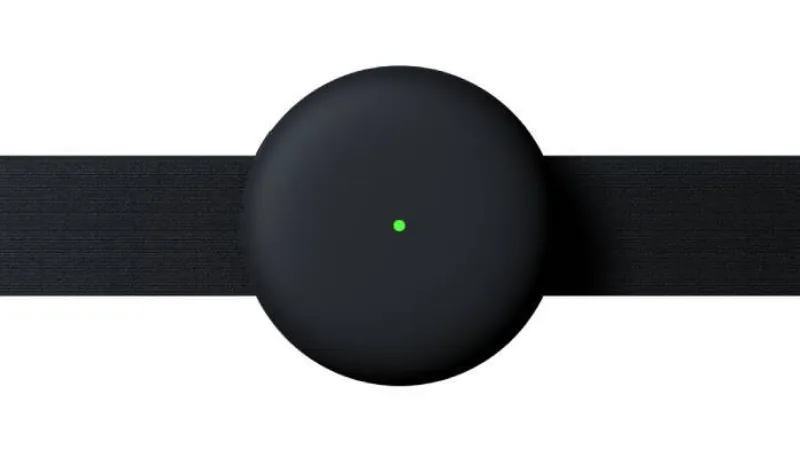
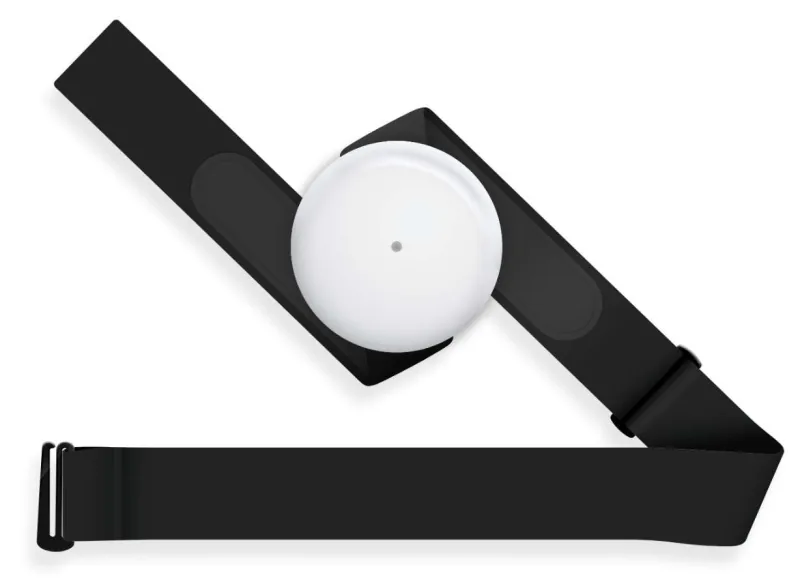
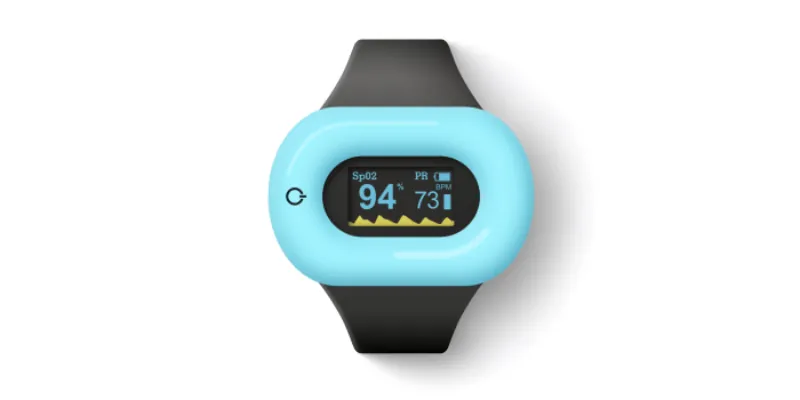

First steps
Updated onSeptember 8, 2026
Start with your Aidlab 2, the chest strap and a USB-C cable. You use the same Aidlab app for Aidlab and Aidlab 2.
Before your first measurement
- Read Intended use and safety.
- Charge Aidlab 2, then disconnect the USB-C cable.
- Install the Aidlab app and sign in or create an account.
- Turn on Aidlab 2 and connect it in the app.
- Attach the device to the strap and put it on. Check that live measurements appear in the app.
If you already use Aidlab
Your account and the app stay the same. Connect Aidlab 2 from the Devices screen. Existing measurements remain in your account; the new device adds its recordings to your history.
Aidlab 2 adds location and skin conductance measurements, a USB-C connector and larger internal memory. See Features and compatibility.
Next: Your first measurement.