


Wearing Aidlab 2
Updated onSeptember 8, 2026
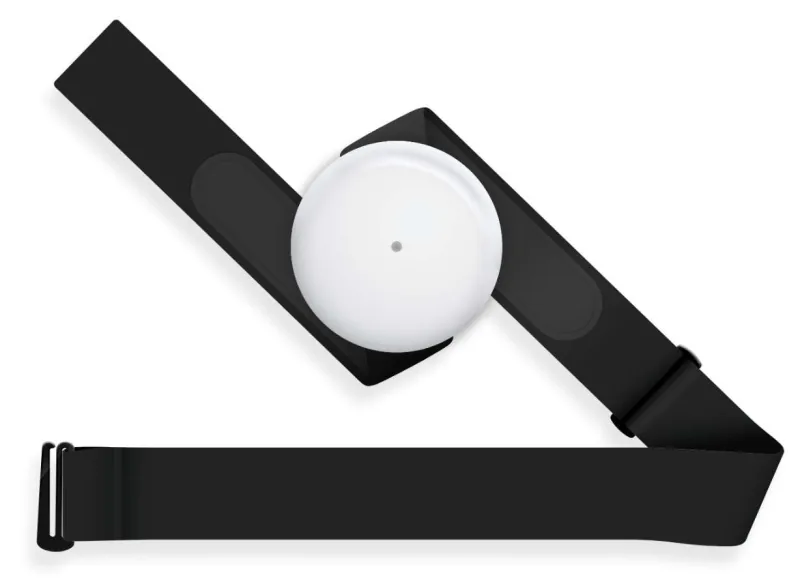
Attach Aidlab 2 to the chest strap before putting it on. The device and the strap electrodes need direct, stable contact with your skin.
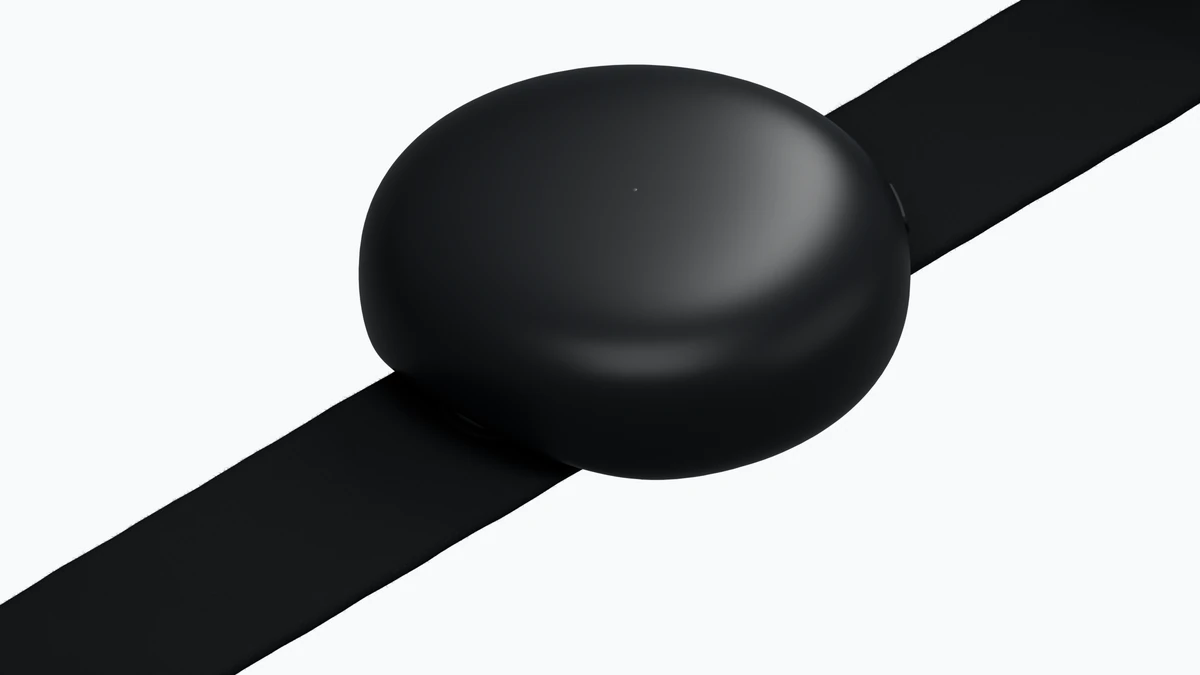
Attach the device
- Align the device with the strap fasteners and snap it into place.
- Check that both connections are secure.
- Place the strap around your chest with Aidlab 2 at the front, in the correct orientation.
- Adjust the length so the electrodes stay in contact with your skin without restricting your breathing.
Check the measurement
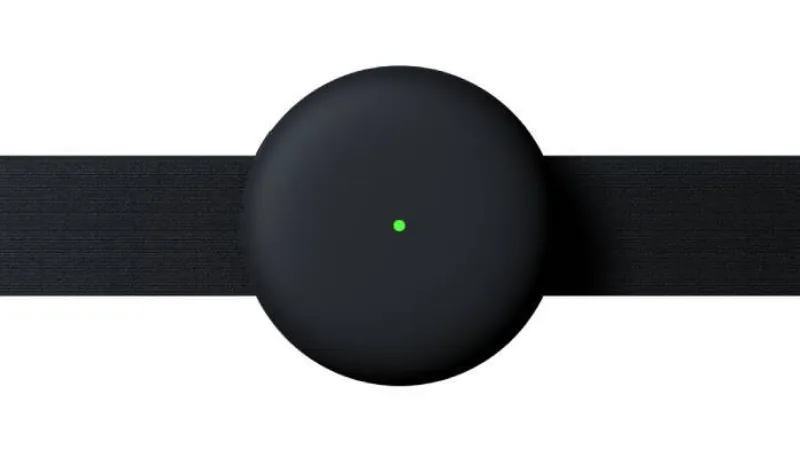
When Aidlab 2 detects contact with your body, the LED changes from white to green. If the battery is low, the LED stays yellow. See LED indicator.
Connect Aidlab 2 to the app and check that live readings appear. If readings are missing or noisy, adjust the strap and check skin contact. See Low signal quality.
Aidlab 2 saves data to its memory only while it detects body contact. If it doesn't detect contact and isn't connected to the app, it turns off after 60 seconds.
Good skin contact also matters for skin temperature and electrodermal activity (EDA). Fabric between the sensors and your skin can prevent measurements that require direct contact.
Read Intended use and safety before your first use. Take off the device before charging.