Automatic bodyweight exercise counting
Updated onJuly 10, 2026
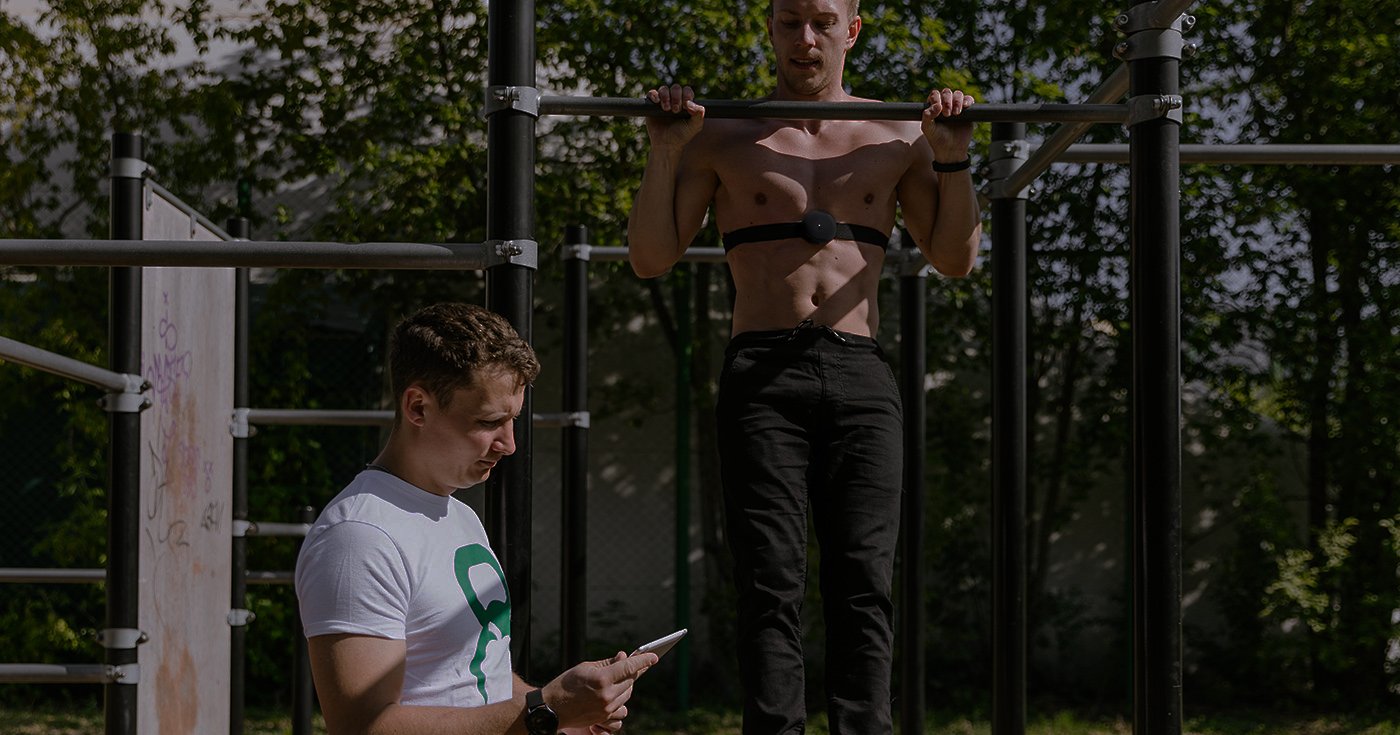
Aidlab can automatically count push-ups, sit-ups, squats, burpees, planks, and other bodyweight exercises. This article shows how to create a training plan, follow it during a workout, and review your progress later.
How to start
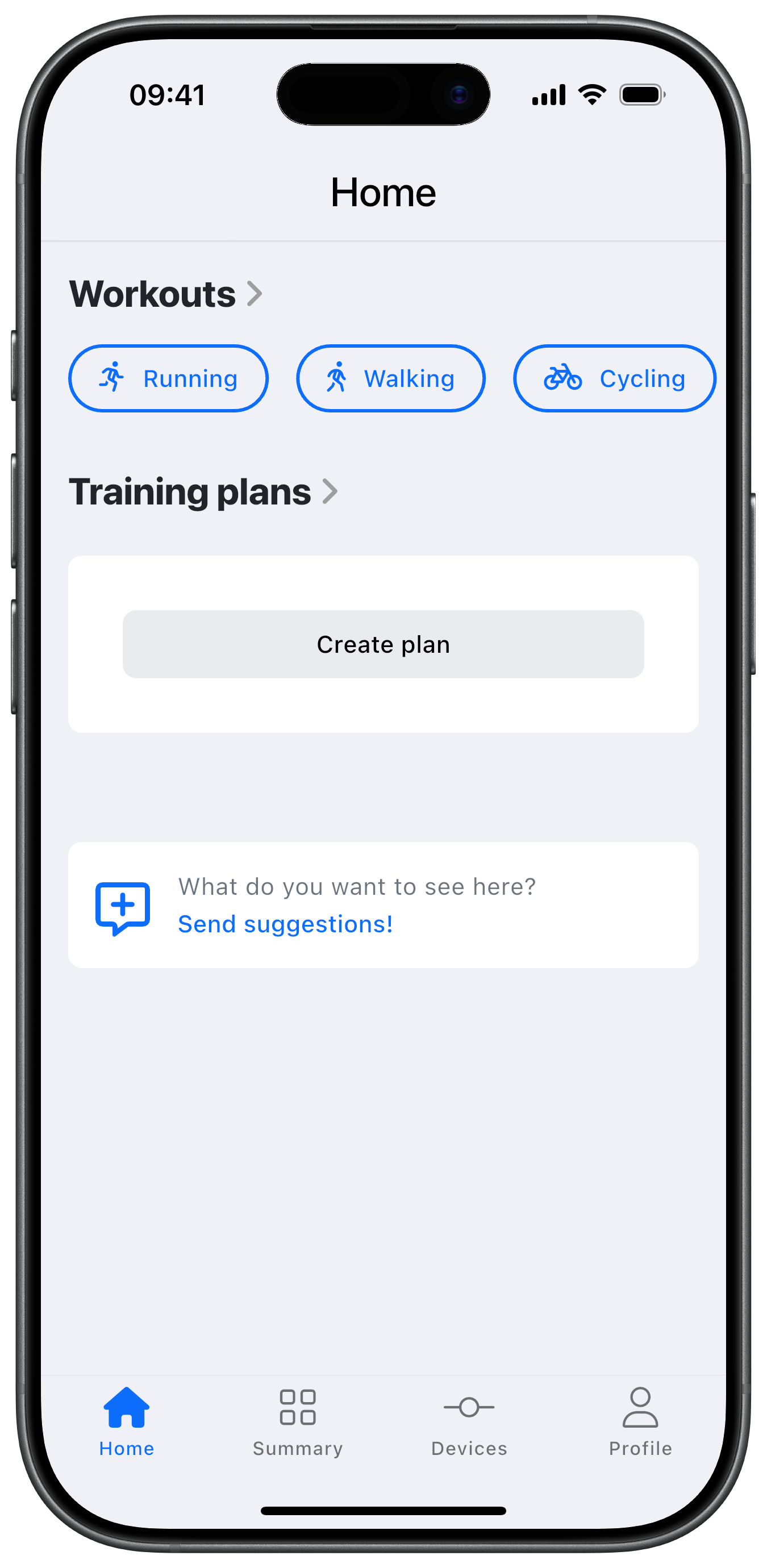
- Open the Aidlab app and go to the Home tab.
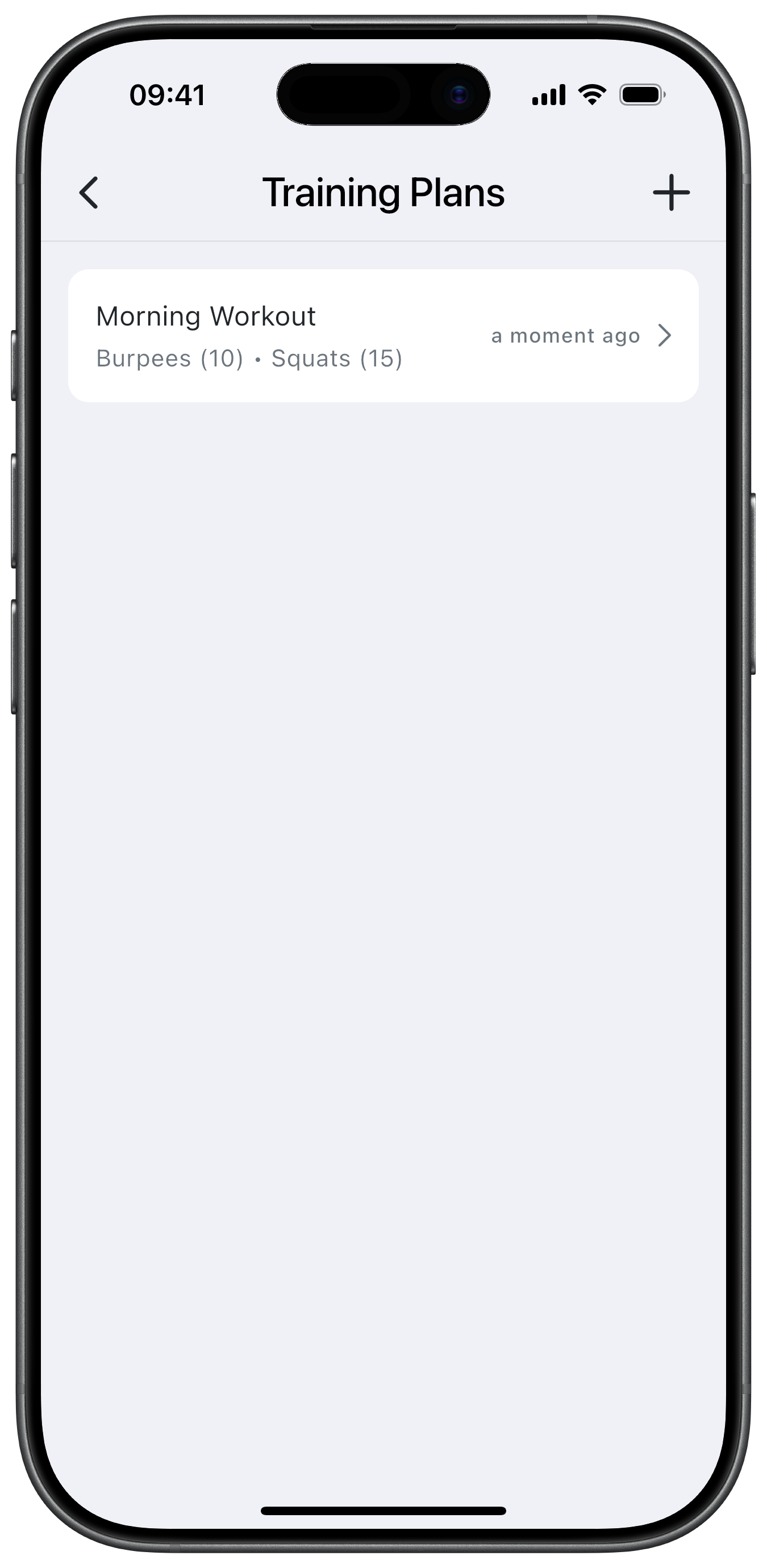
- Scroll down to Training plans — you’ll find your saved Bodyweight Workouts there.
- Tap Create plan to add a new workout.
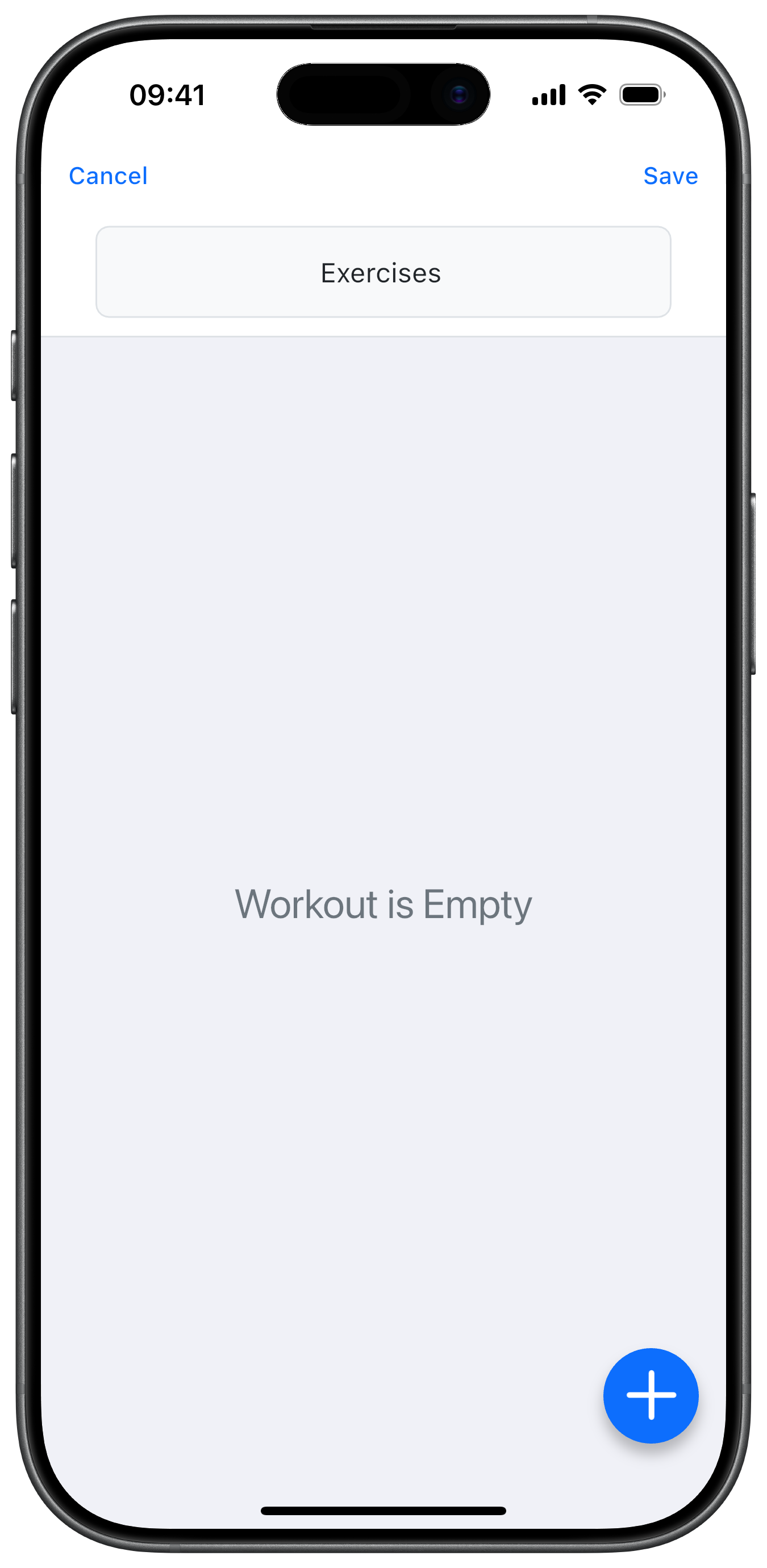
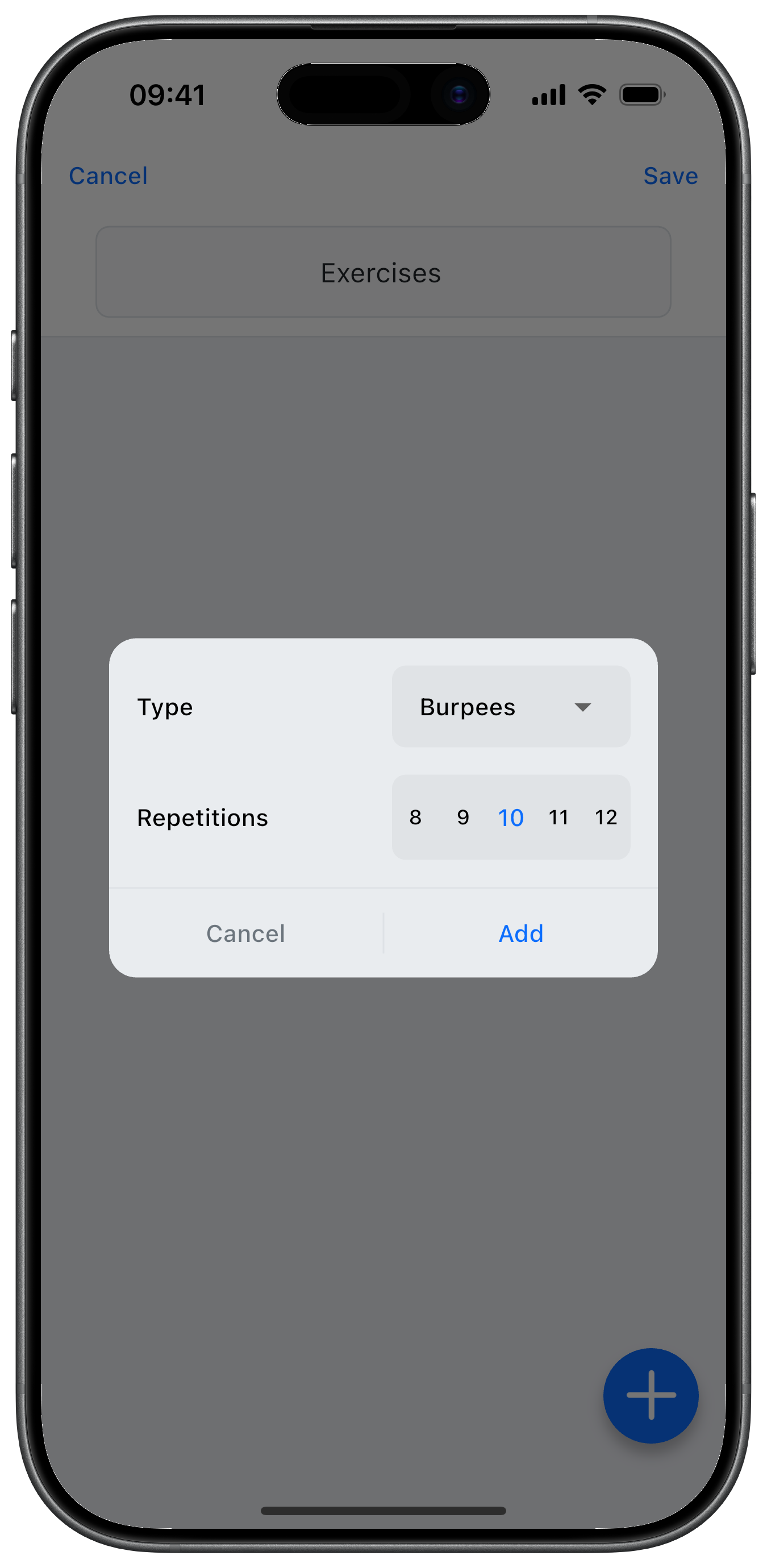
- Add as many steps as you need.
- Name your workout plan and save it.
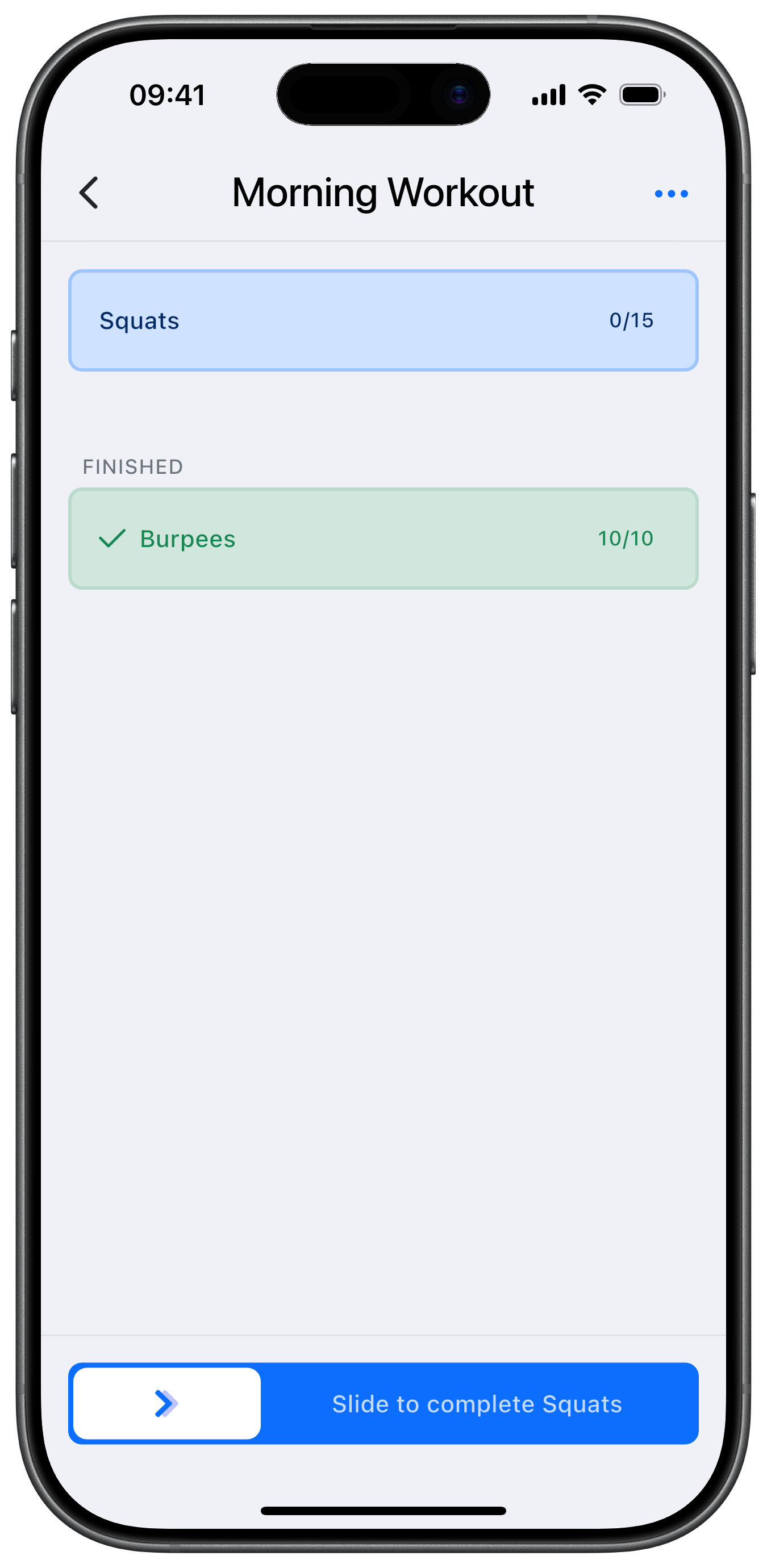
- Open the workout to review the sequence. When you start training, Aidlab will automatically track all your reps if the device is paired.
If you’re not paired with Aidlab, you can manually slide through your rep sets during the workout.
 |
 |
 |
 |
 |
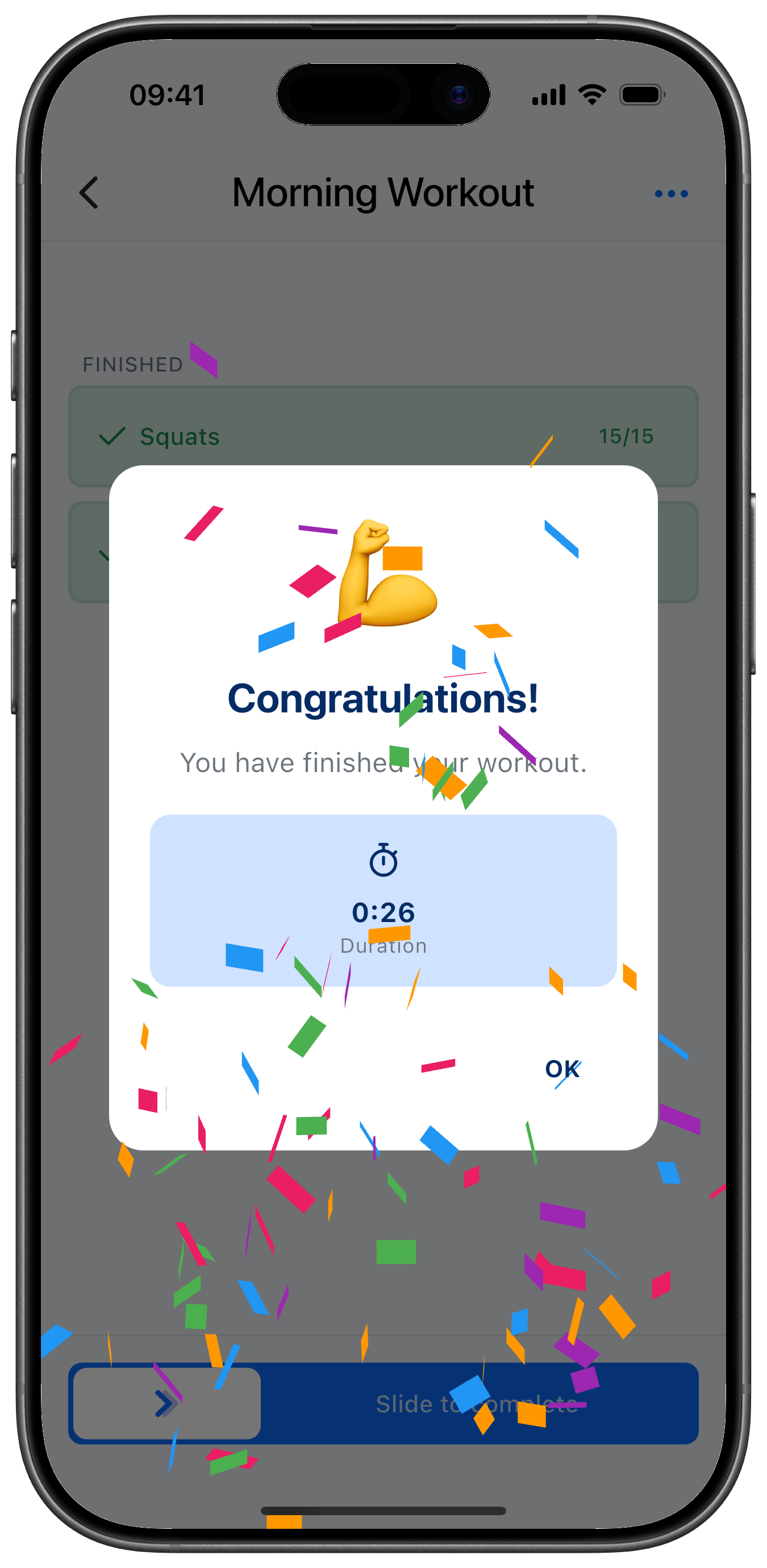 |
Each completed workout is automatically logged in the app with duration, intensity, and effort trends. This helps you review progress and consistency without entering results manually.
Accuracy during workouts
Aidlab is worn on the chest, which helps keep the device in a stable position during a workout. The chest strap and dry electrodes help maintain skin contact even during more dynamic movement.