
Charging
Updated onJuly 10, 2026
Aidlab has an internal lithium-polymer rechargeable battery. This battery type is lightweight, charges quickly, and supports the power needs of the device.
Charge the battery
To charge your Aidlab battery:
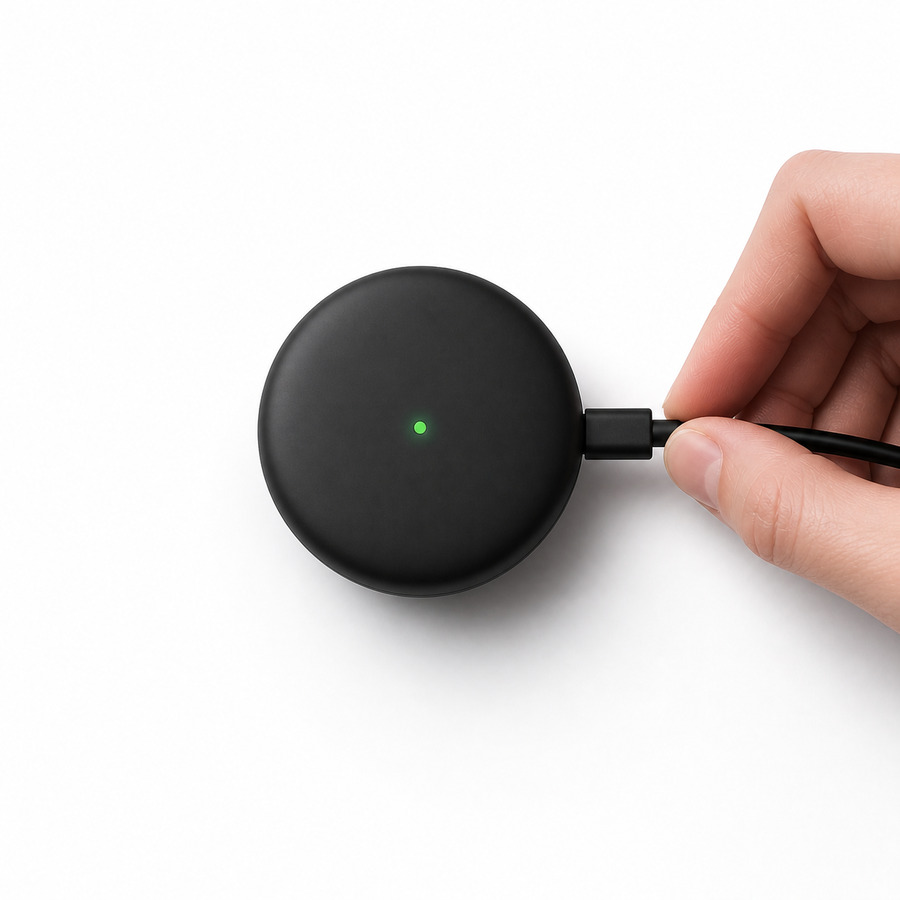
- Connect Aidlab to a USB port on your computer or to a power outlet through a phone charger. Make sure your computer is turned on. If Aidlab is connected to a computer that is turned off, the battery may drain instead of charge.
Note: Avoid charging Aidlab through your keyboard unless it features a high-power USB port.
The LED indicator shows the charging status:
- Constant yellow: Battery level at 80% or below.
- Constant green: Battery level above 80%.
If Aidlab's battery is critically low, the LED may blink briefly. Charge it for up to 10 minutes before trying to use it.
Warning. If you suspect there may be liquid in Aidlab's USB connector, do not use the connector to charge Aidlab. For information about liquid exposure and other battery or charging safety information, see Important safety information for Aidlab.
How to prolong the battery life
Try to avoid frequent short top-ups just to add a few percent. They will not damage the battery immediately, but repeated partial charging can reduce overall capacity over time. Every rechargeable battery has a limited number of charging cycles, so use those cycles thoughtfully.
Warning. Never leave a charging device near a heat source. If you plan not to use Aidlab for an extended period, fully charge it and recharge it at least once every 6 months. Prolonged storage with a discharged battery can cause irreversible damage.