


Charging
Updated onSeptember 8, 2026
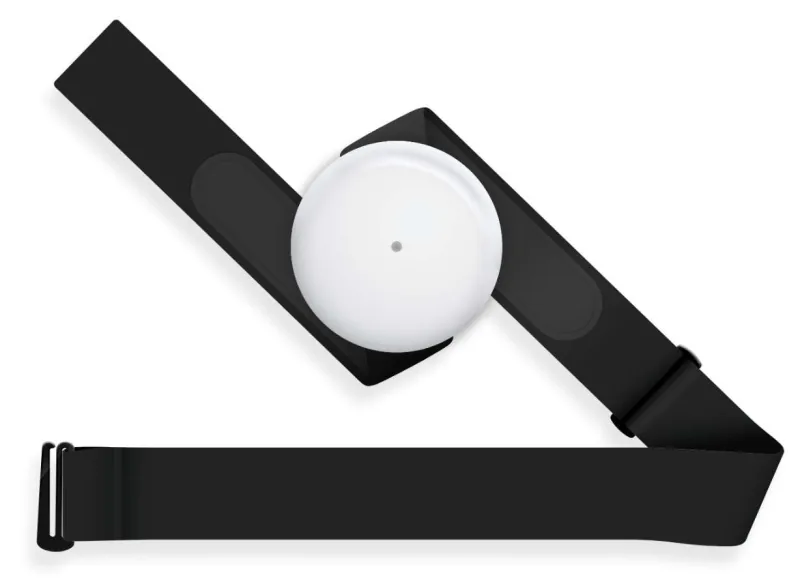
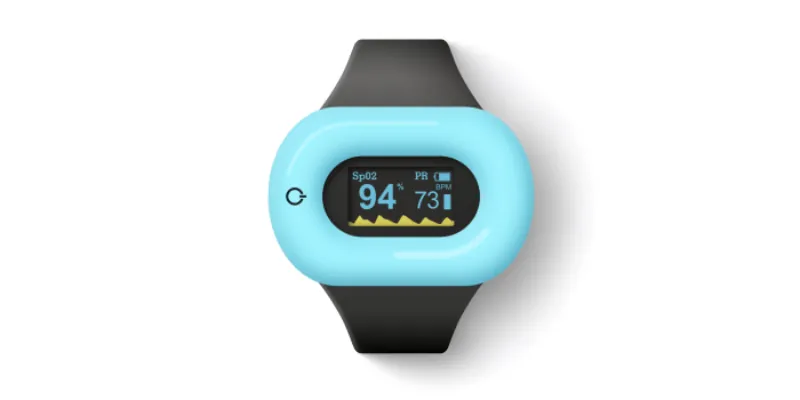
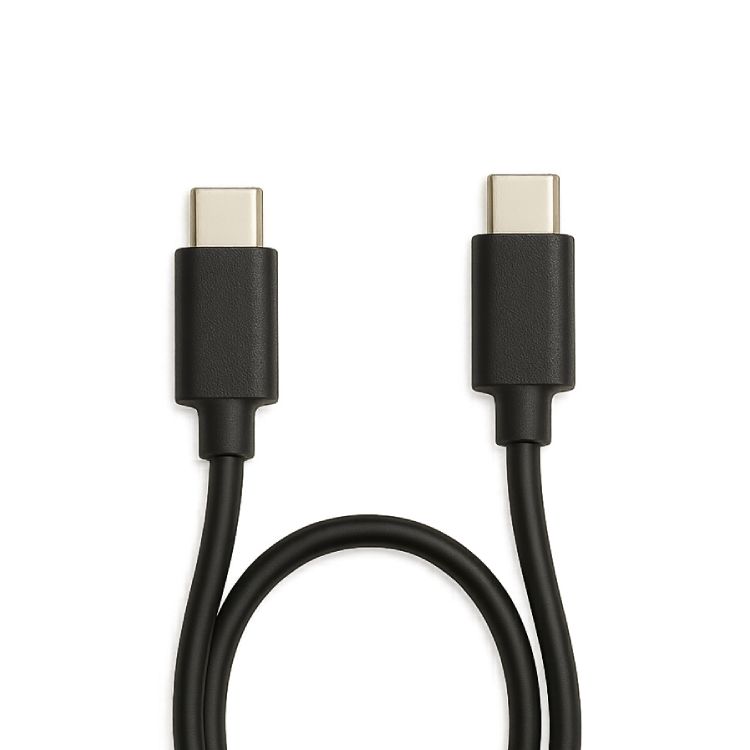
Aidlab 2 has a rechargeable 750 mAh lithium-polymer battery and a USB-C connector. Disconnect it from your body before charging.
Charge Aidlab 2
- Take off the device and make sure the USB-C connector is dry and clean.
- Connect the USB-C cable to Aidlab 2 and a USB power source, such as a phone charger or a computer that is turned on. A computer that is off or asleep may not charge the device.
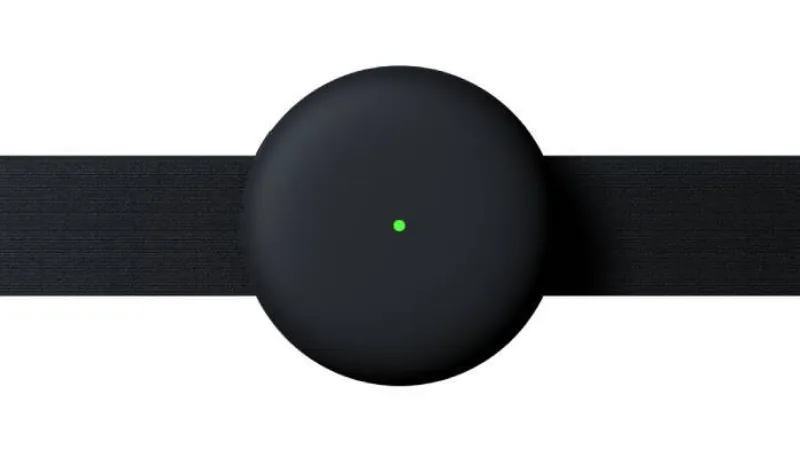
- Check the LED. A steady light indicates charging:
- Steady yellow: battery below 80%.
- Steady green: battery at 80% or above.
- Disconnect the cable before putting the device on and starting a measurement.
Allow up to 3 hours for charging. The time depends on the starting battery level and power source. Battery life and internal memory capacity are separate: a larger memory does not extend operation on one charge.
While Aidlab 2 is charging
While connected to power, Aidlab 2 only charges. It doesn't connect to the app, doesn't record, and the power button doesn't turn it off. If Aidlab 2 is on when you connect the cable, it stops any measurement in progress and restarts in charging mode.
When you disconnect the cable, Aidlab 2 turns on. If you don't put it on or connect it to the app, it turns off after 60 seconds.
If the battery is empty, the LED briefly flashes yellow and Aidlab 2 turns off. Charge it before using it again.
Care for the battery
Do not charge a wet device or use a damaged cable. If liquid may have got into the USB-C connector, see Aidlab 2 got wet during use first. Keep the device away from heat while charging. If charging does not start, check the cable and power source and see Aidlab 2 does not turn on.
See LED indicator and Intended use and safety.