
Turn an iPhone into a ECG monitor with the Aidlab iOS SDK.
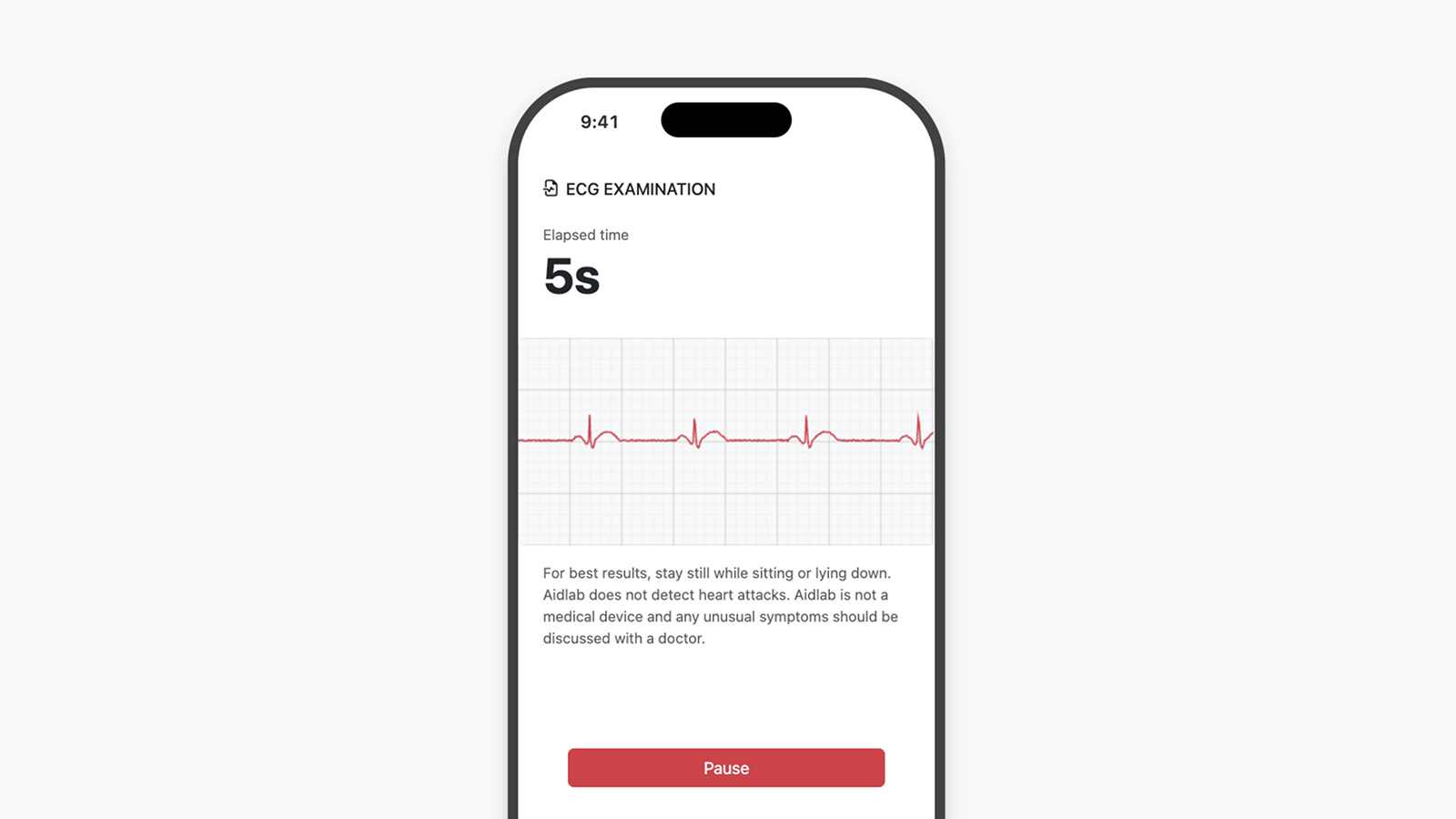
Want to capture ECG data from your Aidlab on iPhone? The current Aidlab Apple SDK exposes ECG through DeviceDelegate.didReceiveECG(_:timestamp:value:) after you discover, connect, and start collecting .ecg.
Note: This tutorial assumes you are familiar with Xcode and Swift Package Manager.
Install the SDK
Add the Swift package to your app and select version 2.7.0:
https://github.com/Aidlab/aidlab-apple-sdk
Then add the Bluetooth usage description to your app's Info.plist:
<key>NSBluetoothAlwaysUsageDescription</key>
<string>This app connects to Aidlab over Bluetooth.</string>
Scan and connect
Create a controller or manager that owns AidlabManager. The manager reports discovered devices through AidlabManagerDelegate.didDiscover(_:). This example connects and starts ECG collection.
import Aidlab
import UIKit

final class ECGViewController: UIViewController, AidlabManagerDelegate, DeviceDelegate {
    private lazy var aidlabManager = AidlabManager(delegate: self)
    private var connectedDevice: Device?

    override func viewDidLoad() {
        super.viewDidLoad()
        aidlabManager.scan(scanMode: .aggressive)
    }

    nonisolated func didDiscover(_ device: Device) {
        Task { @MainActor in
            guard connectedDevice == nil else { return }
            aidlabManager.stopScan()
            connectedDevice = device
            do {
                try await device.connect(delegate: self)
            } catch {
                connectedDevice = nil
                print("Connection failed: \(error)")
            }
        }
    }

    nonisolated func didConnect(_ device: Device) {
        Task { @MainActor in
            do {
                _ = try await device.collect(dataTypes: [.ecg], dataTypesToStore: [])
            } catch {
                print("Collection failed: \(error)")
            }
        }
    }

    nonisolated func didReceiveECG(_ device: Device, timestamp: UInt64, value: Float) {
        print("ECG @ \(timestamp): \(value)")
    }

    nonisolated func didDisconnect(_ device: Device, reason: DisconnectReason) {
        Task { @MainActor in
            connectedDevice = nil
        }
        print("Disconnected: \(reason)")
    }

    nonisolated func didReceiveError(_ device: Device, error: AidlabError) {
        print("Aidlab error: \(error)")
    }
}
The SDK provides default implementations for optional callbacks. Implement connection, disconnection, errors and the signals you need.
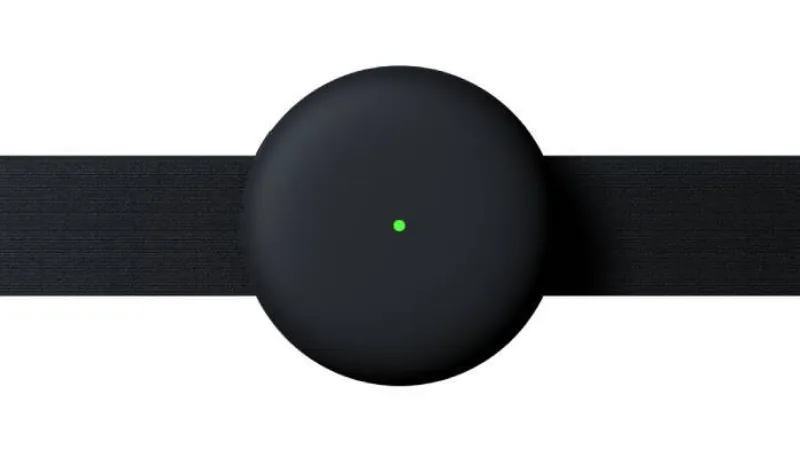
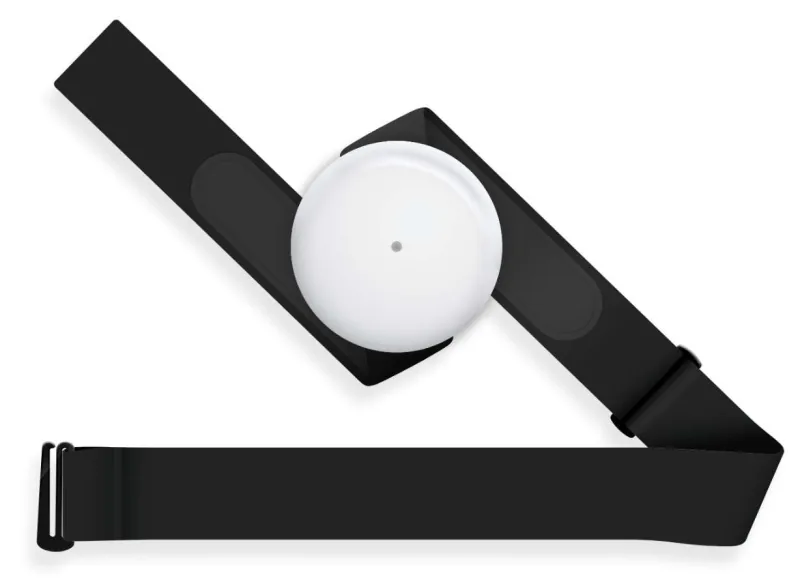
Wear Aidlab on the chest before collecting ECG. If the device is loose or detached, use didReceiveEvent(_:event:) with WearStateEvent to update your UI and ask the user to adjust the strap.
The received values are ECG samples measured in volts. For sample rate and measurement details, see Measurements range and accuracy.